Talking to it
The voice in DreamLayer is called Juno — and these days she has a face too: the small winged figure you'll meet on the website, in the app's welcome screen, and in the corner of the Mac panel. The character is artwork; everything she actually does is below. She is calm, brief, and honest — one or two plain sentences, and "I don't have that one" when she does not know, never a made-up answer.
Waking it
Four ways, all optional and all switchable in Settings:
- Say "Hey Juno" (or just "Juno").
- Tap the glasses.
- Look up and hold for a moment.
- Raise the glasses to your face as you start speaking.
When it wakes you get a small ring, a soft spoken "hey" (or "hello") in Juno's own voice — a different take each time — and a tiny vibration; each one can be turned off if you prefer a silent wake. Then it listens for about twenty seconds, so follow-up questions need no wake word. Just keep talking.

Things to try saying
Find and remember
"I left my bike at the north rack." — tell it where things are... "I'm parked on level 3." / "My car's in the garage." "Where's my bike?" / "Where did I park?" — ...and it hands the spot back. "What did Marcus say he needed?" "What did I miss?" — "You missed 2 texts and 1 email." "Brief me." "Remind me to call the plumber tomorrow."
Telling it where you left something works in the past tense — "I left my bike", "I'm parked on level 3" — so ordinary talk like "I'm leaving at nine" never becomes a phantom saved place.
People
"This is my brother Dan." / "Meet my colleague Sarah, she runs marketing." "Remember Maya's into rock climbing." — or just "remember she has two kids" about whoever you just looked at. "Marcus owes me twenty bucks." / "I owe Dana lunch." "Marcus paid me back." — "Squared up with Marcus."
Everything lands on that person's card — and on the phone's People tab, where you can read and edit it all by hand.
Timers and the clock
"Set a timer for five minutes." "Interval timer — 30 on, 15 off, 8 rounds." "Show a clock." / "What time is it?" "Cancel the timer." — or just hold the button.
These run on the glasses themselves — no Mac needed, no internet, and they vanish when done.
Read what's in front of you
"What's the answer?" — reads the question you're looking at and answers it. "How do I fill this out?" — spells out a form, field by field. "Explain this." / "Put this in plain English." — dense text, translated into words people actually use.
Say it, then look — the next glance goes straight to that read. More in the day-with guide.
Control it
"Focus mode." — quiet for 25 minutes; "focus off" ends it early. "Go incognito." — stop remembering and stay off the cloud until you say "back on the record." "Captions on." / "Captions off." "Keep watch." / "Stay quiet unless I ask." — proactive alerts on or off. "Cloud off." — it answers only from your own devices. "Rewind my day."
Teach it
"Call me Sam." — it greets you by name from then on. "Remember that I prefer aisle seats." "I always drink oat milk."
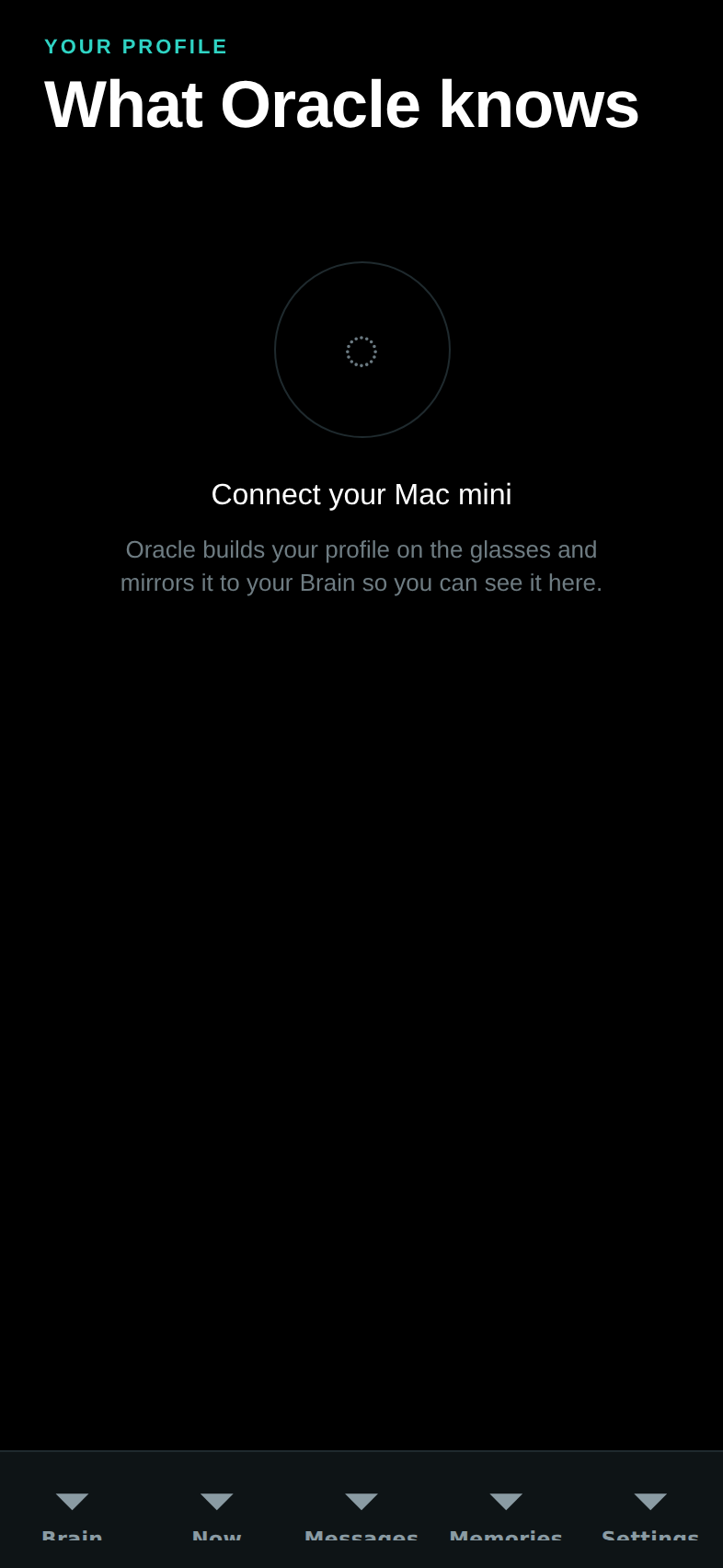
It confirms every teach out loud ("Good to know you, Sam.") and you can see everything it has learned about you — and exactly nothing more — on the phone's Profile screen, titled "What Juno knows about you":
Ask anything
Anything else — "who painted Guernica?", "what's the boiling point of copper?" — goes to your brain: the phone first, your Mac and your files if connected, and the cloud only if you have that switch on.
How it replies
Answers appear as a card in its voice, and actions confirm themselves in character: "Focus on — the world's turned down.", "Incognito. Nothing's being kept.", "Rewinding your day."

What it learns about you — and what it never does
Over time Juno notices the topics you return to, the people you talk with most, and the preferences you have told it. That is the entire list. It never stores recordings of your voice, never learns from other people's words as if they were yours, and learns nothing at all while privacy is on. Everything it knows fits on that one phone screen, and it stays on your devices.