The phone and the Mac
Two companion apps, each with one clear job. The phone is your remote control; the Mac is your library. You will spend ten seconds a day in the first and almost none in the second once it is set up.
The phone app
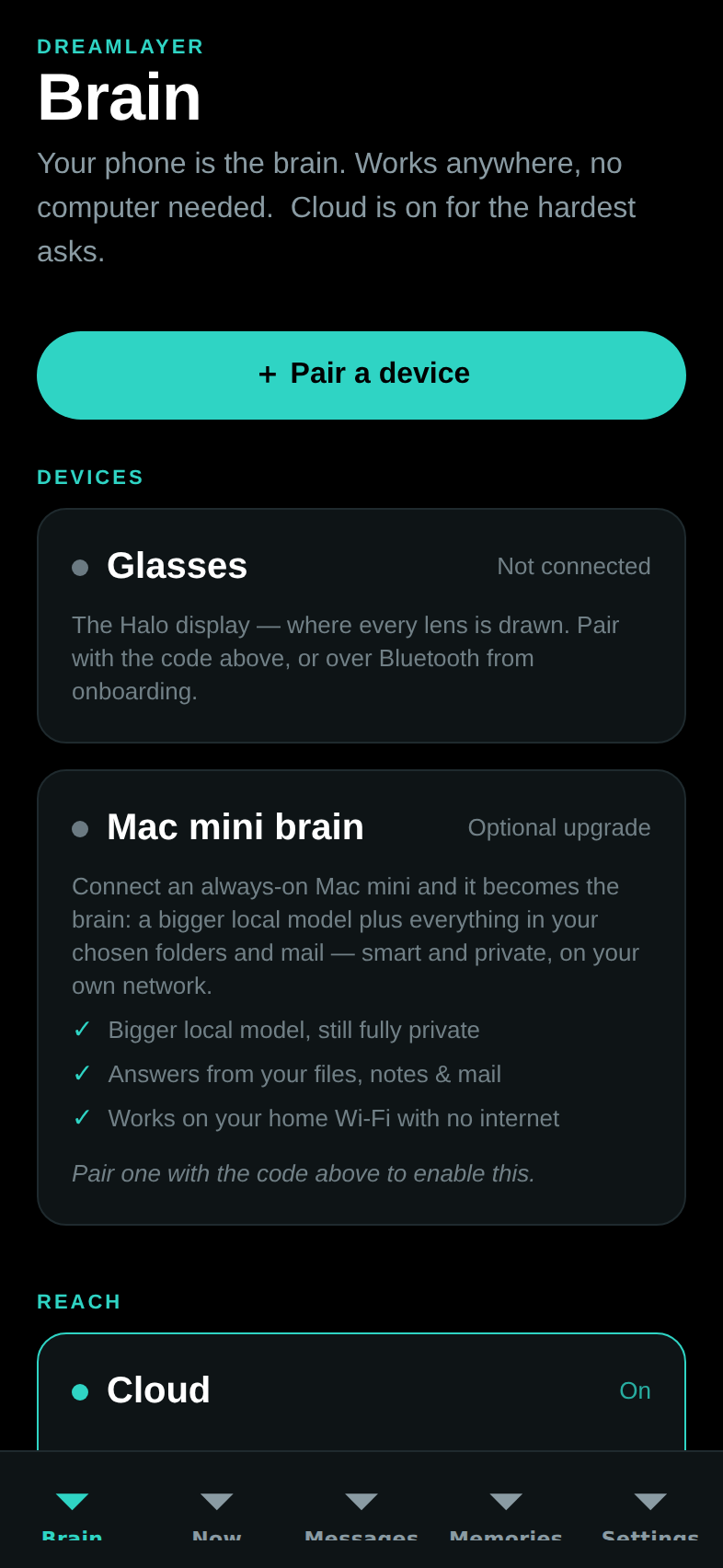
Seven tabs along the bottom. (Every screen also works in Demo Mode — labeled sample data with a banner that never leaves the screen — so you can explore the whole app before owning any hardware; that is exactly how the screenshots in this book were taken.)
Brain — the first tab, home for your setup. Pairing, the three switches (Mac, Cloud, Incognito), and a box to ask your brain anything from your pocket.
Now — a live mirror of what the glasses are showing this moment, your latest morning brief, and quick actions (brief me, pause memory).
Look — point the phone's camera at anything and ask, the same way the glasses will: one photo, one answer, stamped with where the answer came from.
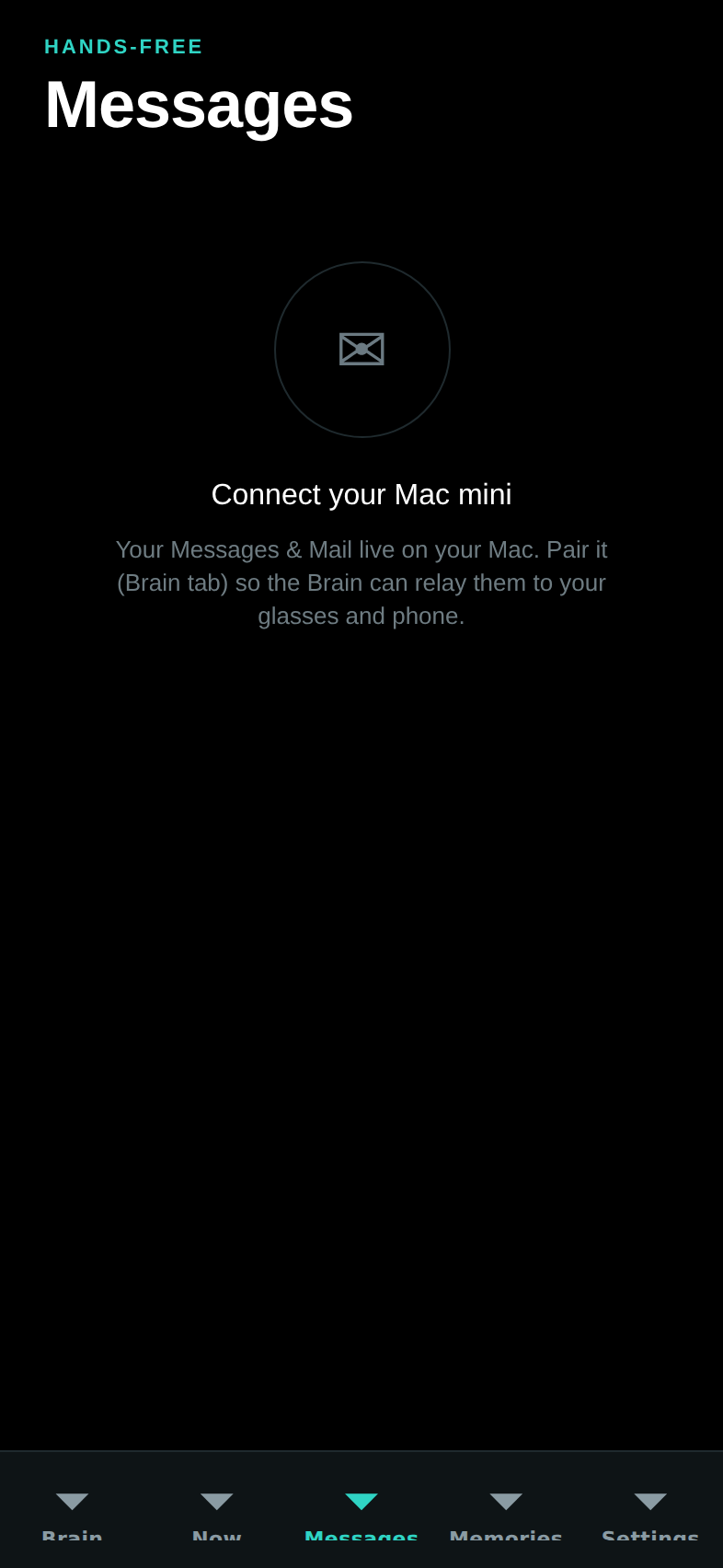
Messages — texts and email relayed from your Mac, with three suggested replies per message. Nothing sends until you tap Approve and send — you always see exactly what goes out.
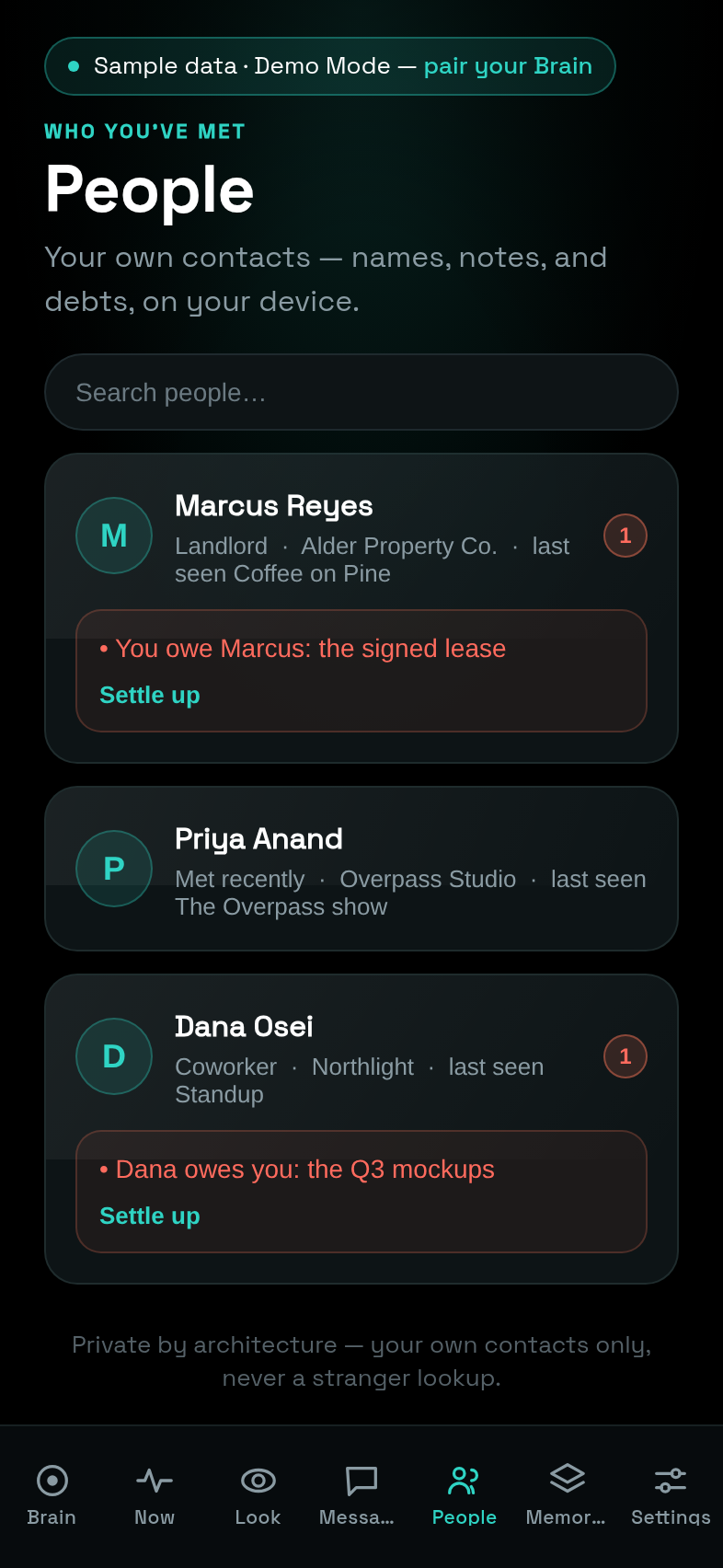
People — your social memory, readable and editable: everyone you have been introduced to, their relationship to you, your notes about them, who owes whom what (with a one-tap "Settle up"), and the topics you two return to. Everything you say on the glasses — "meet my colleague Sarah," "Marcus owes me $20" — lands here, and everything here can be fixed by hand.
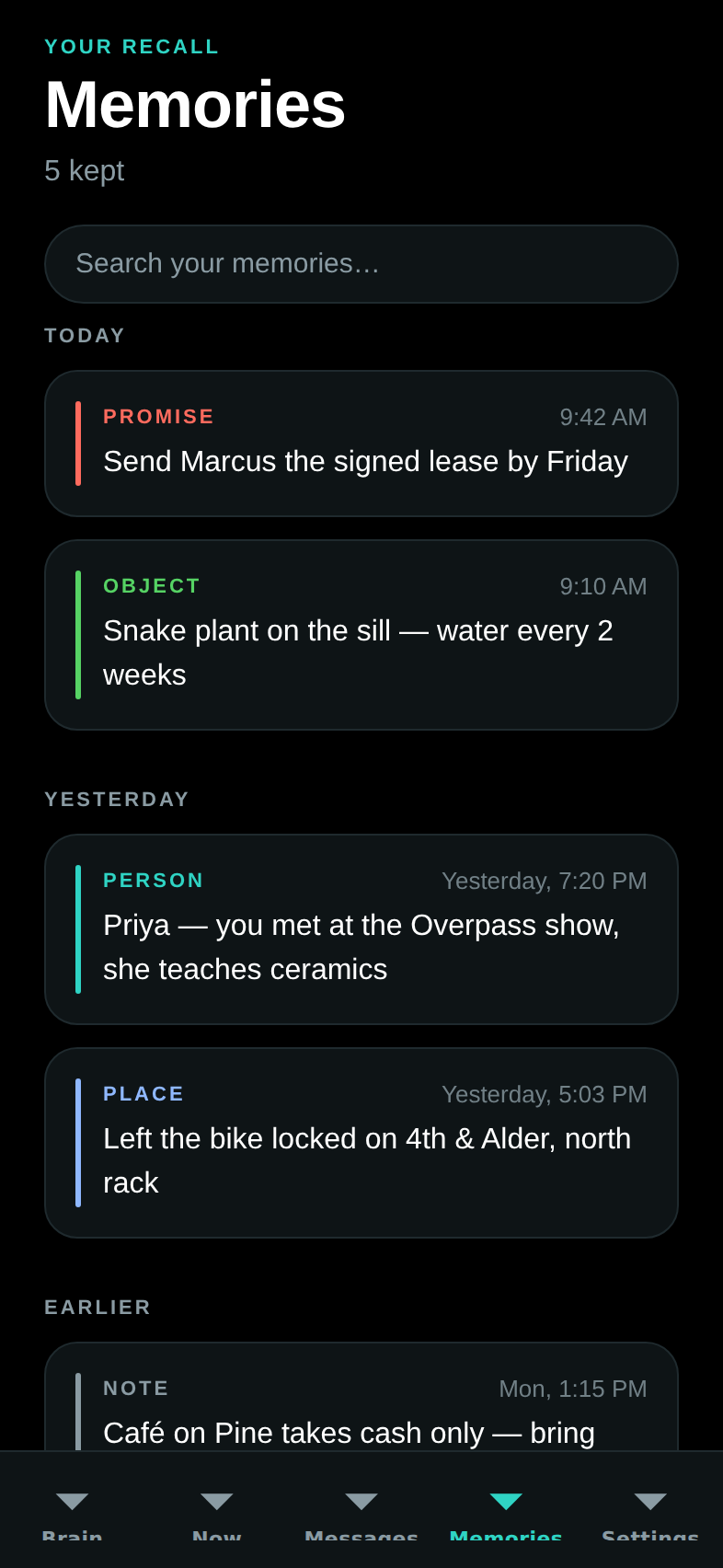
Memories — everything remembered, grouped by day and searchable: the places you told it about ("I left my bike at the north rack"), people you met, favors owed, reminders. With a Mac connected, the same search box also asks your files and mail.
Settings — every switch in one place: privacy, proactive cards and alerts, the fact-checker, answer-ahead, how Juno wakes, and how it shows it is listening. Plus the danger zone (erase all memories) and the Labs screens:
- Brief — the extended morning brief, in sections: Today, Due, Waiting on you, Messages, Yesterday. Composed on demand and saved to read offline.
- Plugins — the community plugin store: browse, see exactly what each plugin is allowed to do (in plain English, before you install), rate with one tap. Installing really installs it — onto your Mac, after its safety check, never onto the phone. The store also lives on the web at dreamlayer.app/plugins.
- Waypath — walking directions as a single dot of light on a ring — no map, no maps app, just "28 m to the next turn." There is even a simulate-the-walk button so you can watch it work from your couch.
- Feel — pick how the app sounds and buzzes: touch packs, each held to the same gentle rules (short patterns, and the silent signal stays silent).
- Capabilities — what your Mac could also learn to do, with honest install sizes; Device vitals — what the glasses report back about themselves once they exist.
- Rehearsal — teach the glasses a routine by performing it: tap out the beats ("Tap - Tap - Hold"), watch it learn live, keep it, and put it on stage.
- Rewind — your day as a scrollable timeline.
- Saga — your rank, level, and achievements.
- Profile — "What Juno knows about you," the complete list.
| Settings | Saga |
|---|---|
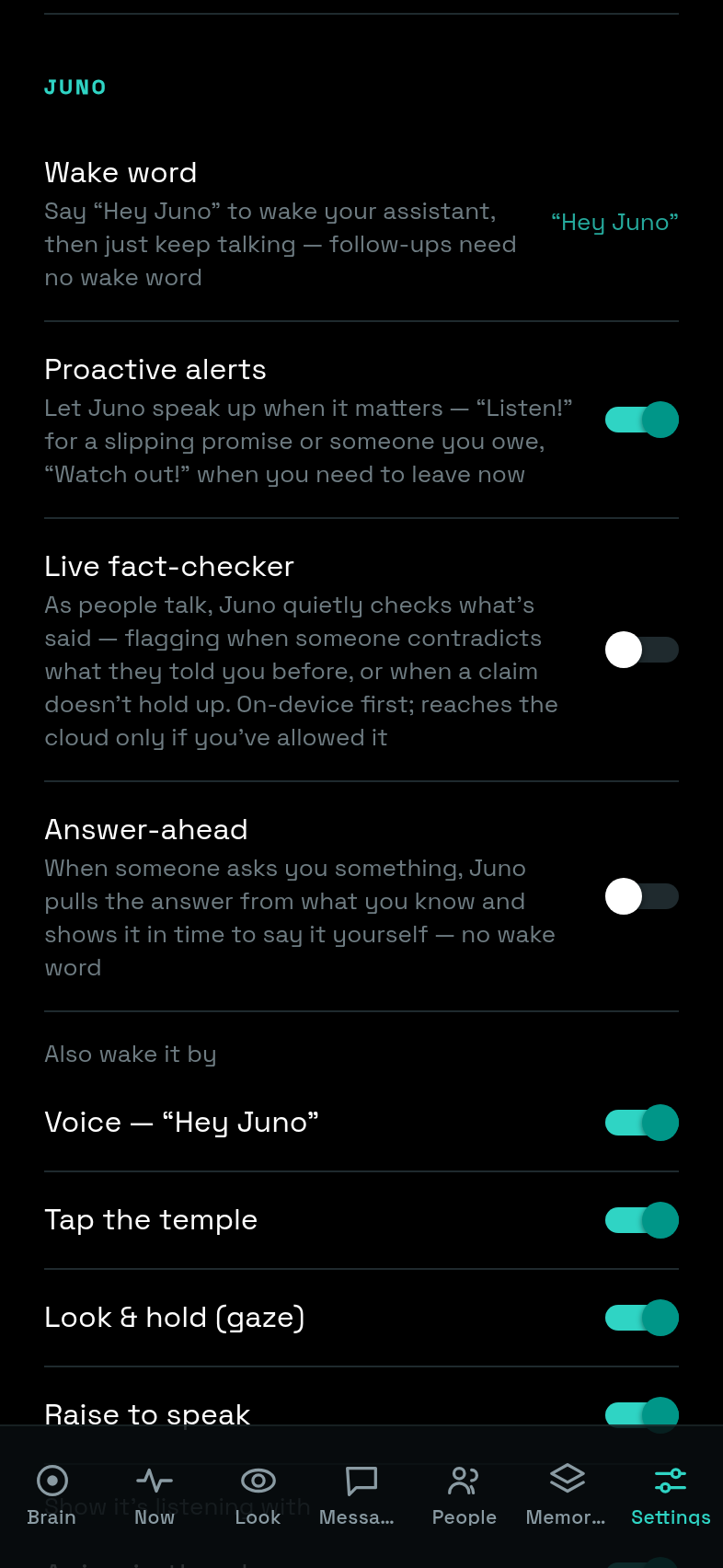 |
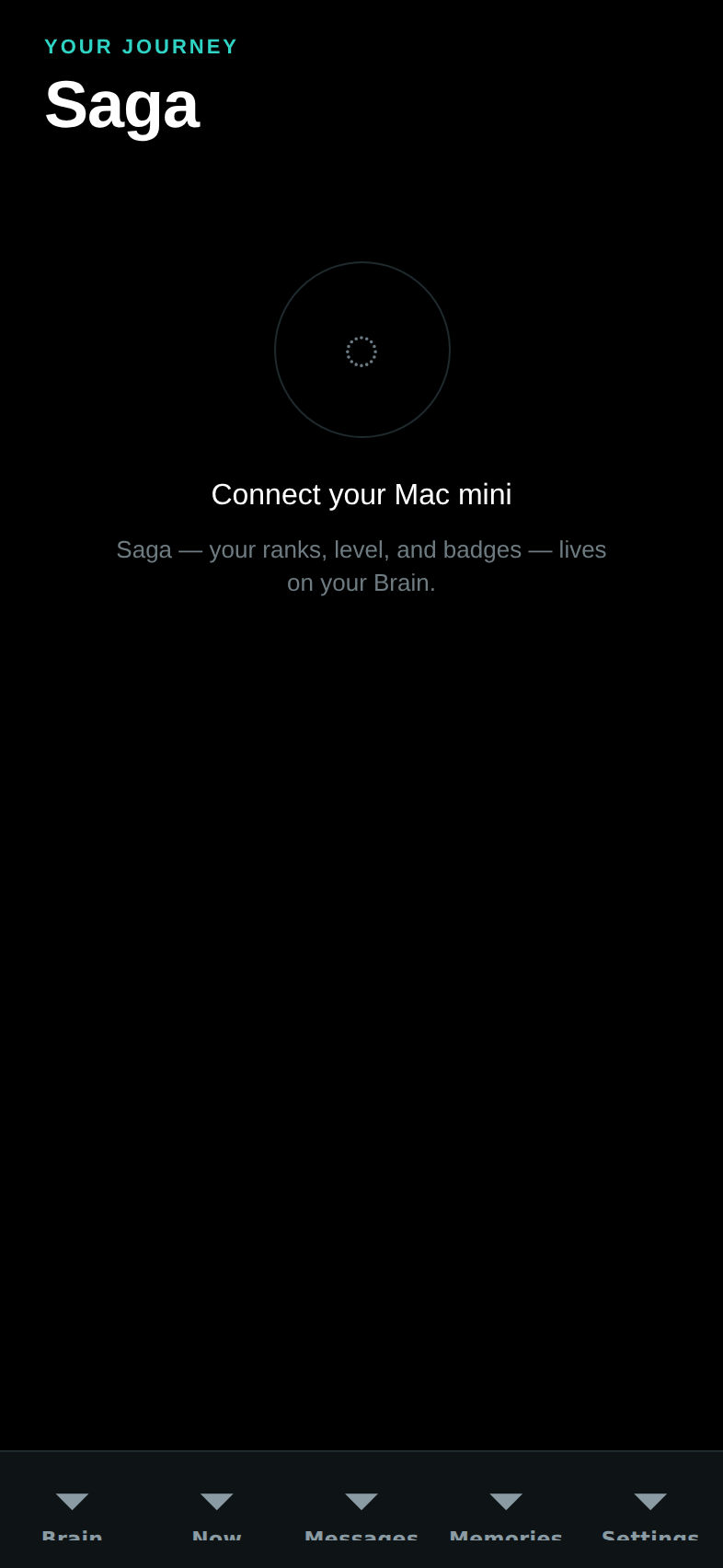 |
The Mac app
A normal Mac app: download it, drag it to Applications, double-click. It lives in your menu bar (a small dot — green means running; one click for sync or incognito) so you never need to think about it day to day. Its control panel opens in its own window, organized as nine views down a left sidebar:
- Home — is everything green? Plus your plan (free, local and open).
- Your day — the morning brief, your agenda (syncs from the Mac's Calendar if you allow it), who you've met, and reminders.
- Intelligence — the heart of it: which folders it may know (drag files straight onto the page), a box to ask your own stuff, and the model picker — instant keyword search out of the box, or a local AI model with one click, still entirely on your Mac.
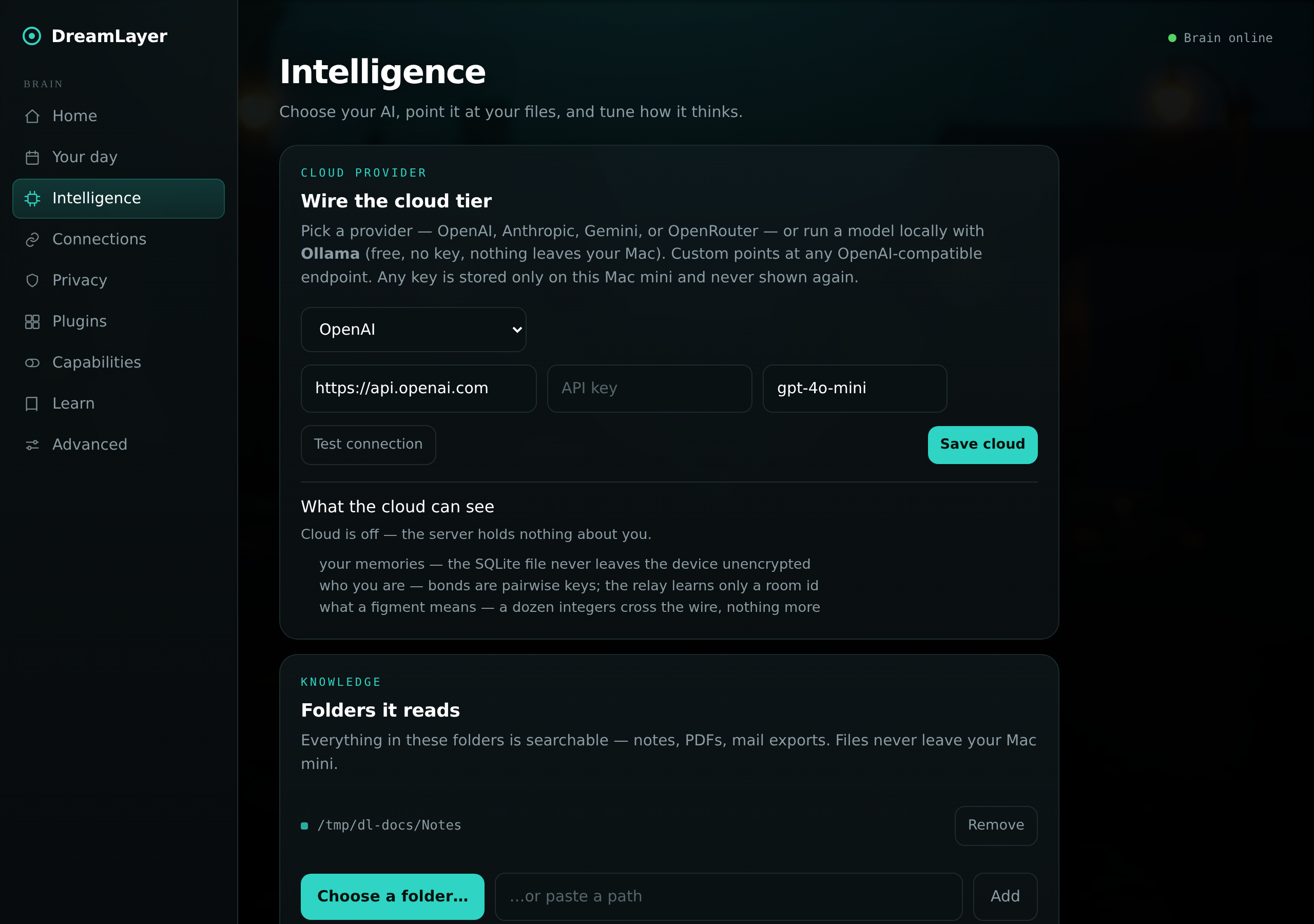
- Connections — cloud and incognito switches, and phone pairing.
- Privacy — the pairing key, the cloud egress counter, backup and restore, and erase buttons.
- Plugins — what is installed, what this Mac is willing to grant each plugin, and a remove button per plugin. Every install passes a safety gate; one that asks for more than your Mac allows is refused outright.
- Capabilities — everything optional this Mac could do, each with an honest status light and either an on/off switch or the exact way to get it — including five one-click upgrade packs (better recall, better hearing, better eyes) with their real download sizes stated up front.
- Learn — an in-app gallery of what the glasses' cards look like.
- Advanced — a complete, honest log of everything the Brain has done, plus quiet hours and schedules.